


Turn streaming AI responses into safe React UI.
Render secure Markdown today, then grow into charts, forms, data views, and product components. Models stay inside a visual vocabulary you define. Your application keeps control of every effect.
Rixx UI / live response catalog loaded
Analytics Support Commerce
Validated preview
committedRevenue overviewUpdated just now
Last 7 daysWeekly movement+$9.4k
MTWTFSS
THE VALIDATION JOURNEY
From first token to trusted interface.

18root = Dashboard(children=[title, metrics])19title = Heading(text="Revenue overview")20metrics = Grid(children=[revenue, users
TWO RENDERING PATHS
Markdown for prose. RUI for interfaces.
Choose by answer shape, not product ambition.PATH 01
PROSEMarkdownRenderer
GFM · highlighted code · controlled links · policy-managed images
Validate the release bundle Keep two regions on canary Review latency after rollout
Links and images remain policy-controlled.
PATH 02
STRUCTURERUIRenderer
Layouts · data UI · validated actions · registered components
QUARTERLY OVERVIEWRelease health
committedARCHITECTURE / OWNERSHIP
Your application keeps authority.
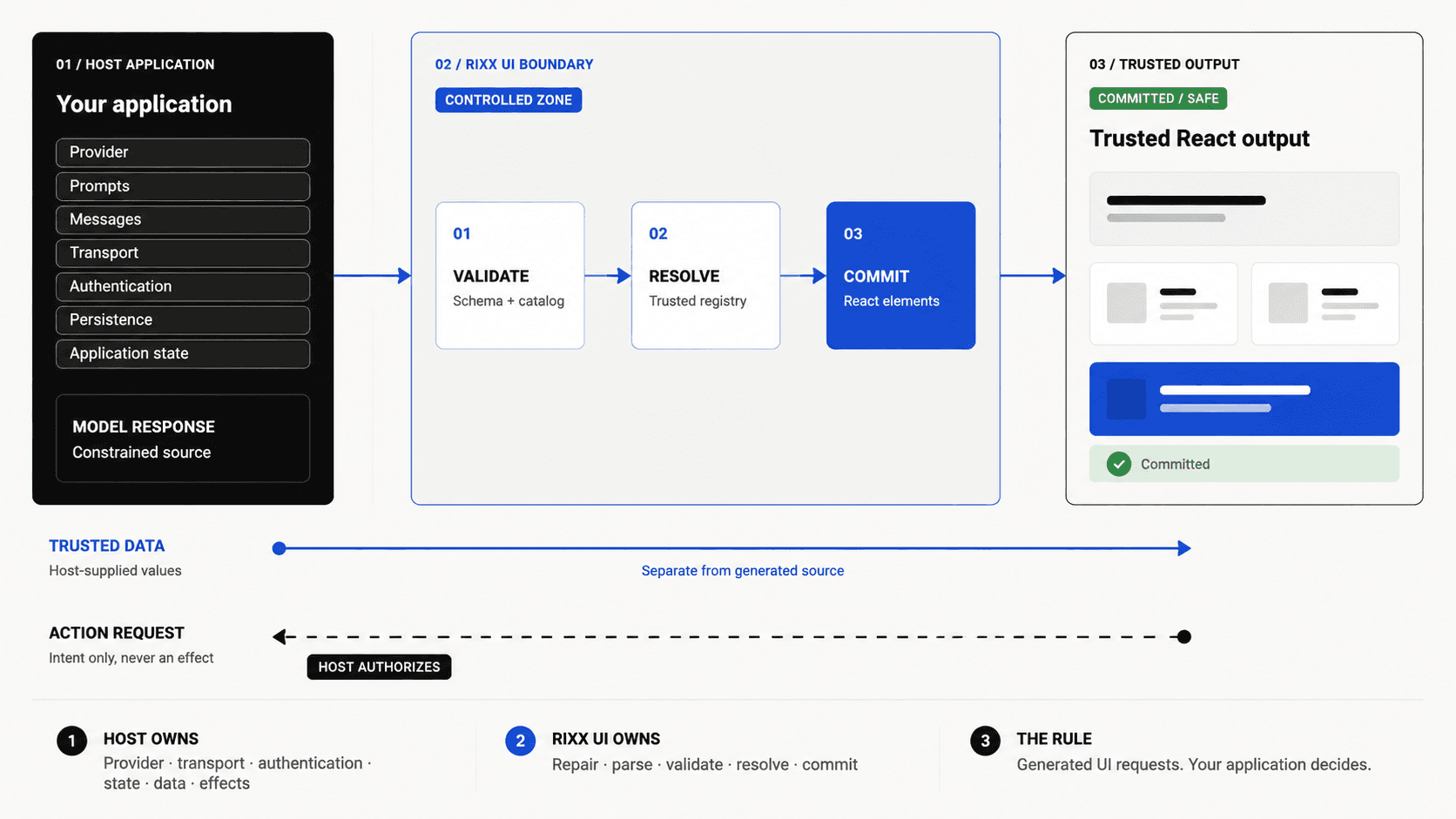
RUNTIME CONTRACT
Four states. One authority boundary.
Displaying output never grants permission to execute.
01 Streaming
Valid output appears while tokens arrive.
- Renders
- Safe preview
- Stays off
- Interaction
02 Quarantined
Invalid statements are isolated.
- Renders
- Last safe view
- Stays off
- Rejected output
03 Complete
All validation checks have passed.
- Renders
- Committed UI
- Stays off
- Host-gated effects
04 Cancelled
This attempt can no longer commit.
- Renders
- Trusted fallback
- Stays off
- Provisional output
CAPABILITY WORKBENCH
A visual vocabulary, not arbitrary code.
Six capabilities. One constrained runtime.
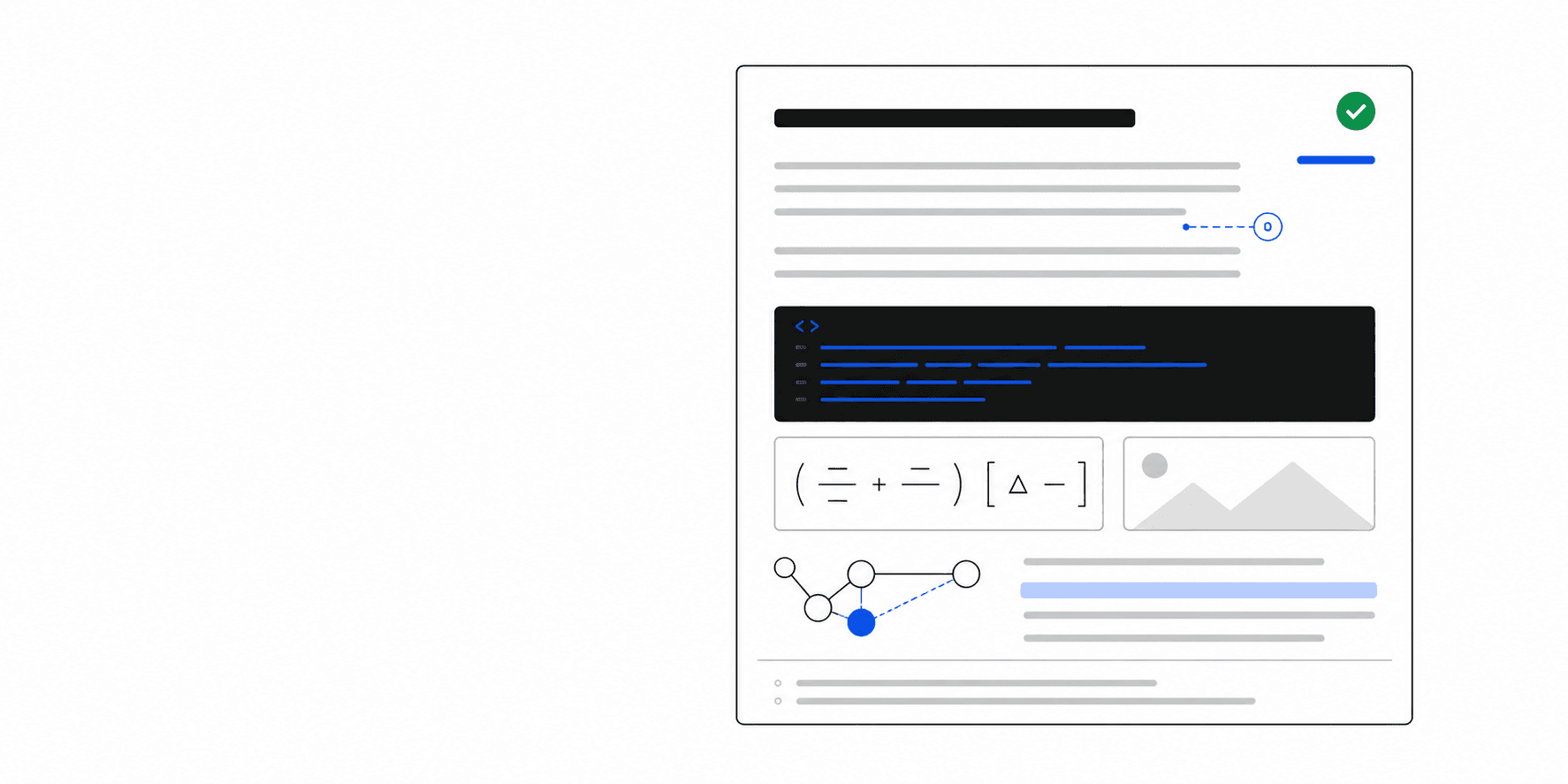
01 / CAPABILITY
Rich content
Markdown, code, citations, math, and diagrams.
Data UI
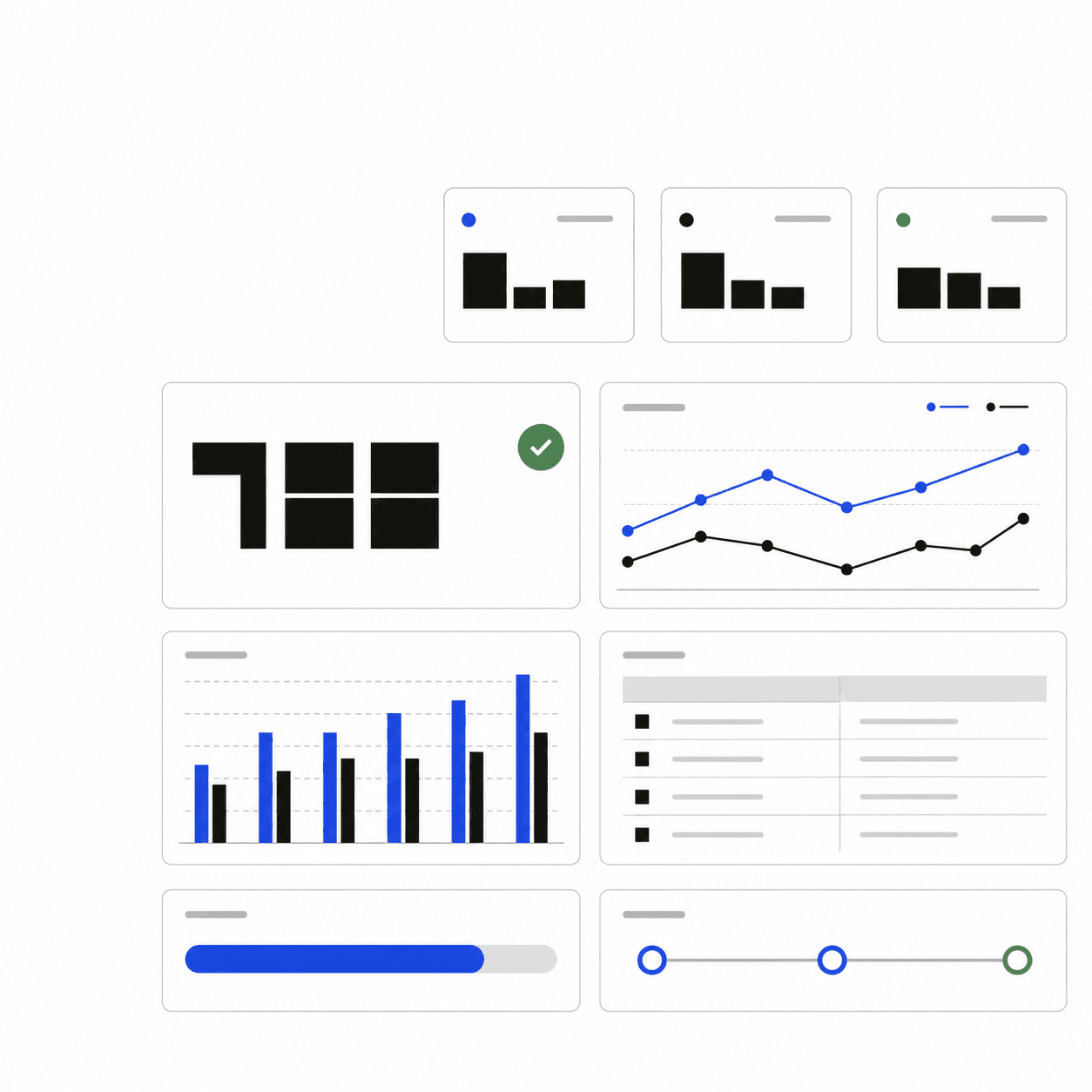
Metrics, tables, charts, progress, and timelines.
Host extension
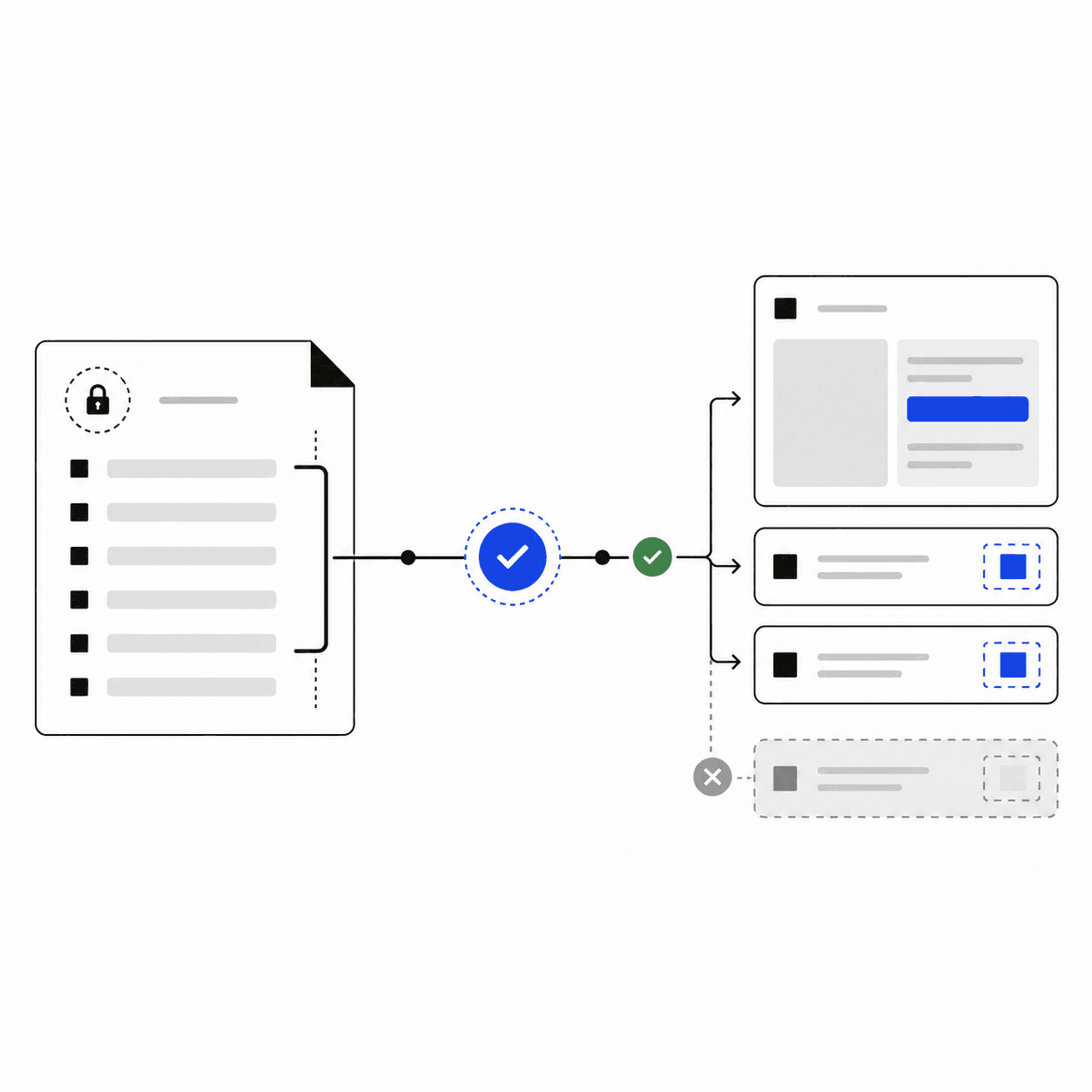
Closed schemas bound to trusted React.
Presentation
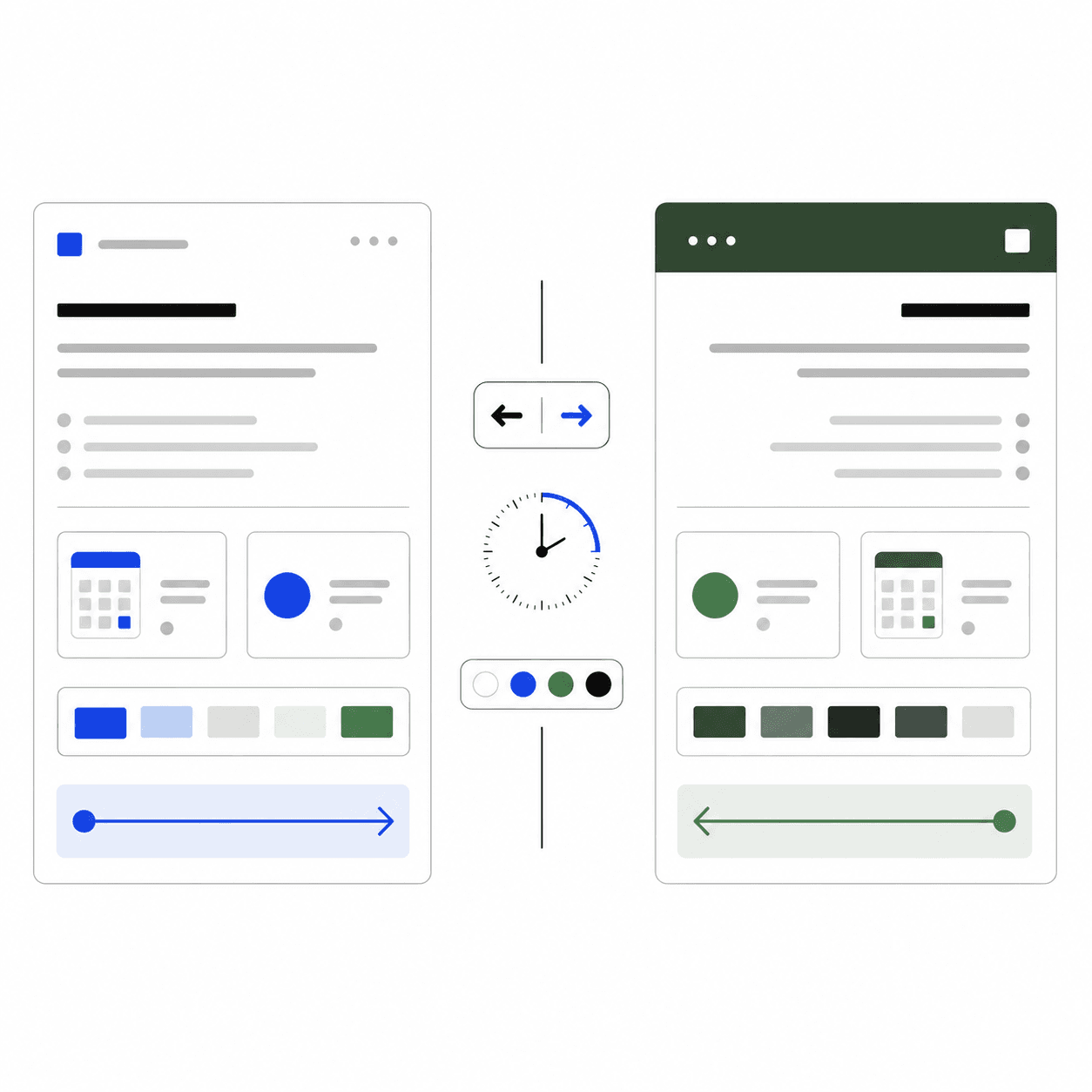
Themes, locale formatting, time zones, and RTL.
Policy
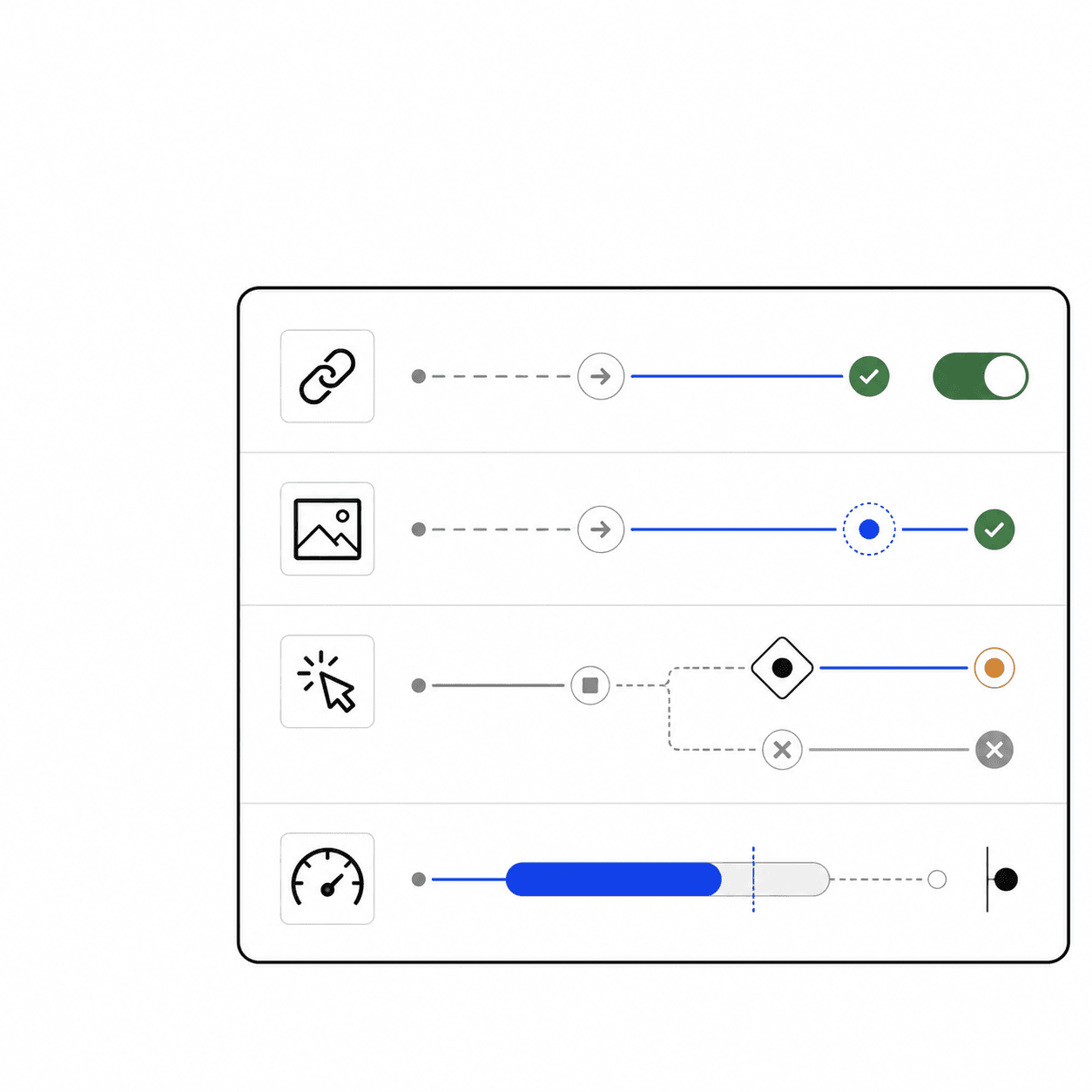
Controls for links, images, actions, and budgets.
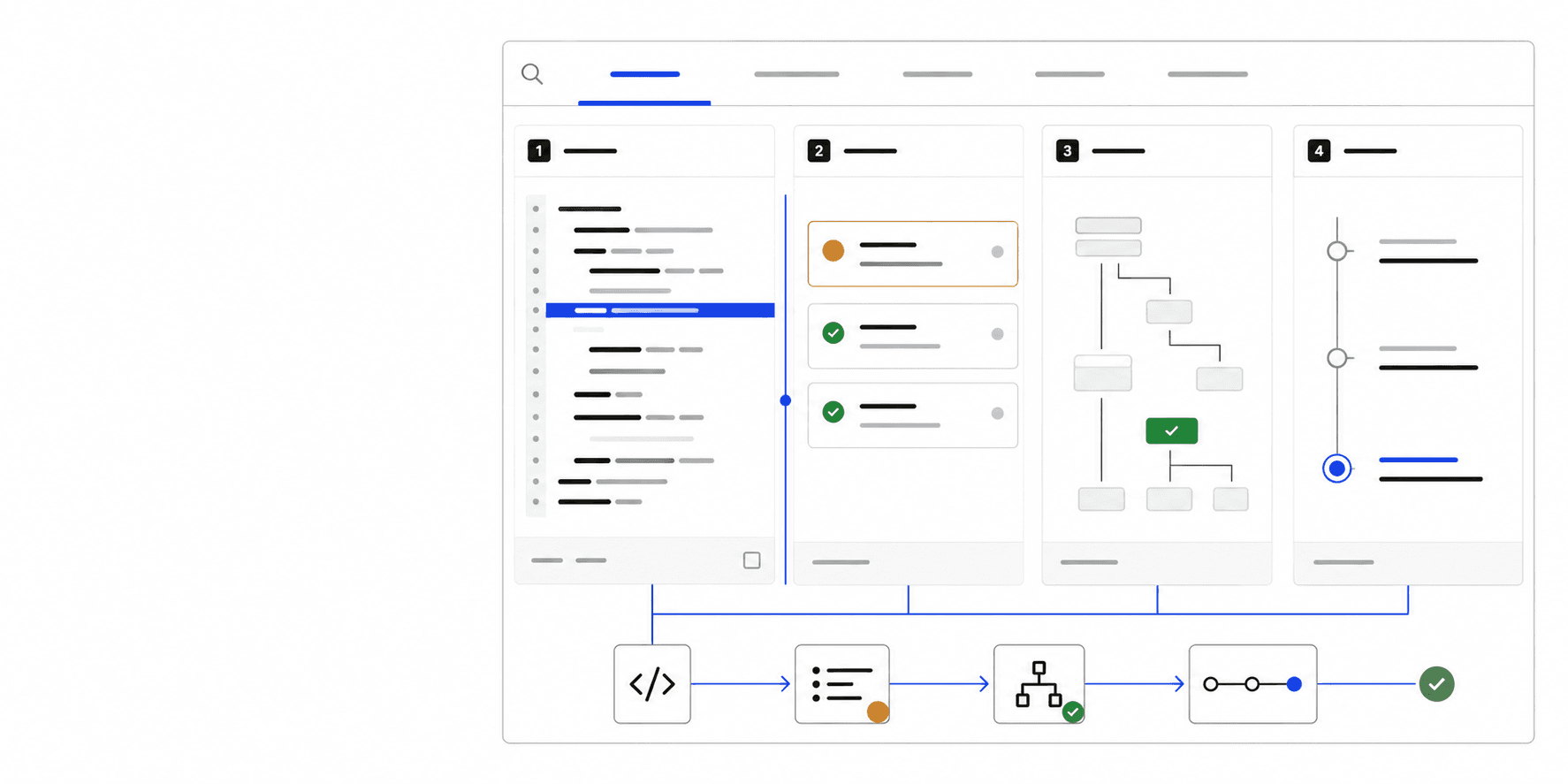
06 / CAPABILITY
Inspection
Source, diagnostics, snapshots, and events.
EVALUATION
Evaluate the code, not the claim.
- 01
git clone https://github.com/rixxhq/rixx-ui.git - 02
cd rixx-ui - 03
corepack pnpm install - 04
corepack pnpm dev
LicenseApache-2.0
Generated cases20,000
Browser matrixPlaywright
AccessibilityAxe checks
Release outputTarballs + SBOM
ContributionsDCO enforced
IMPLEMENTATION QUESTIONS
Know the boundary before you adopt it.
What happens when a stream is cancelled or fails?+
Cancelled, replaced, failed, or truncated attempts never become authoritative. Rixx keeps the last safe provisional surface or lets the host render its fallback with typed diagnostics.
Can I adopt only MarkdownRenderer?+
Yes. MarkdownRenderer is the smallest adoption path and works independently. Add RUIRenderer only when an answer needs layouts, data UI, actions, or registered host components.
Where do authorization and confirmation happen?+
Rixx validates the action name and payload, then emits a request. Authentication, authorization, confirmation, idempotency, execution, and auditing remain in your host application.
Which React and framework versions are supported?+
The repository targets modern React and tests packed consumers with Vite and Next.js. Exact supported versions are maintained in the compatibility guide and release status documentation.
What can the Devtools inspect?+
Devtools can inspect accumulated source, parser diagnostics, the safe snapshot, catalog resolution, and emitted runtime events. Hosts should still redact sensitive application data before exposing telemetry.
EVALUATE THE BOUNDARY
Run it against output that breaks.
Use the local playground to inspect what survives, what is quarantined, and when generated UI becomes authoritative.